
SafeSnap
Share screenshots without exposing PII
Privacy-first Chrome extension that automatically detects and protects personally identifiable information in screenshots.
See It In Action
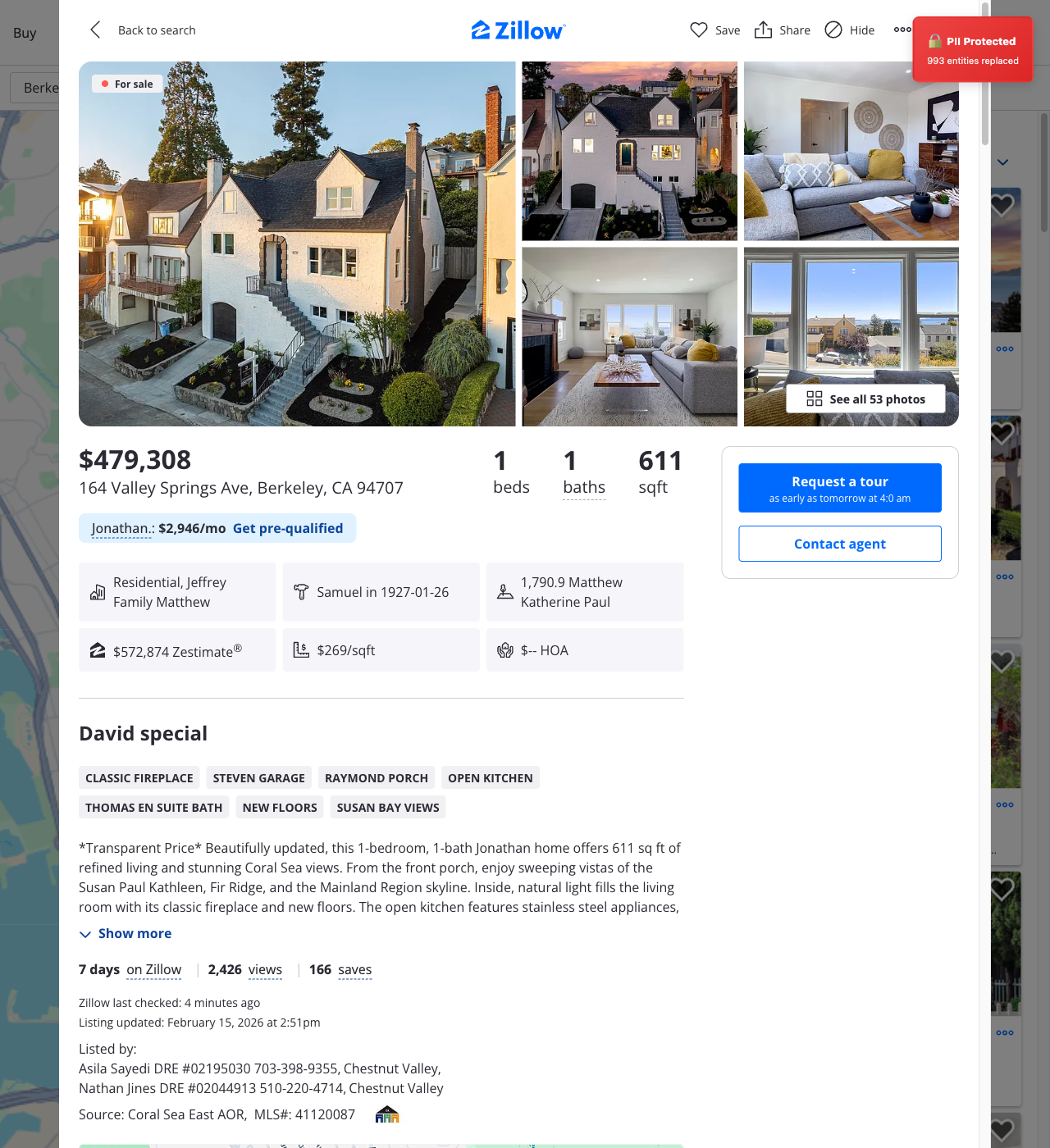
664 PII entities automatically detected and replaced
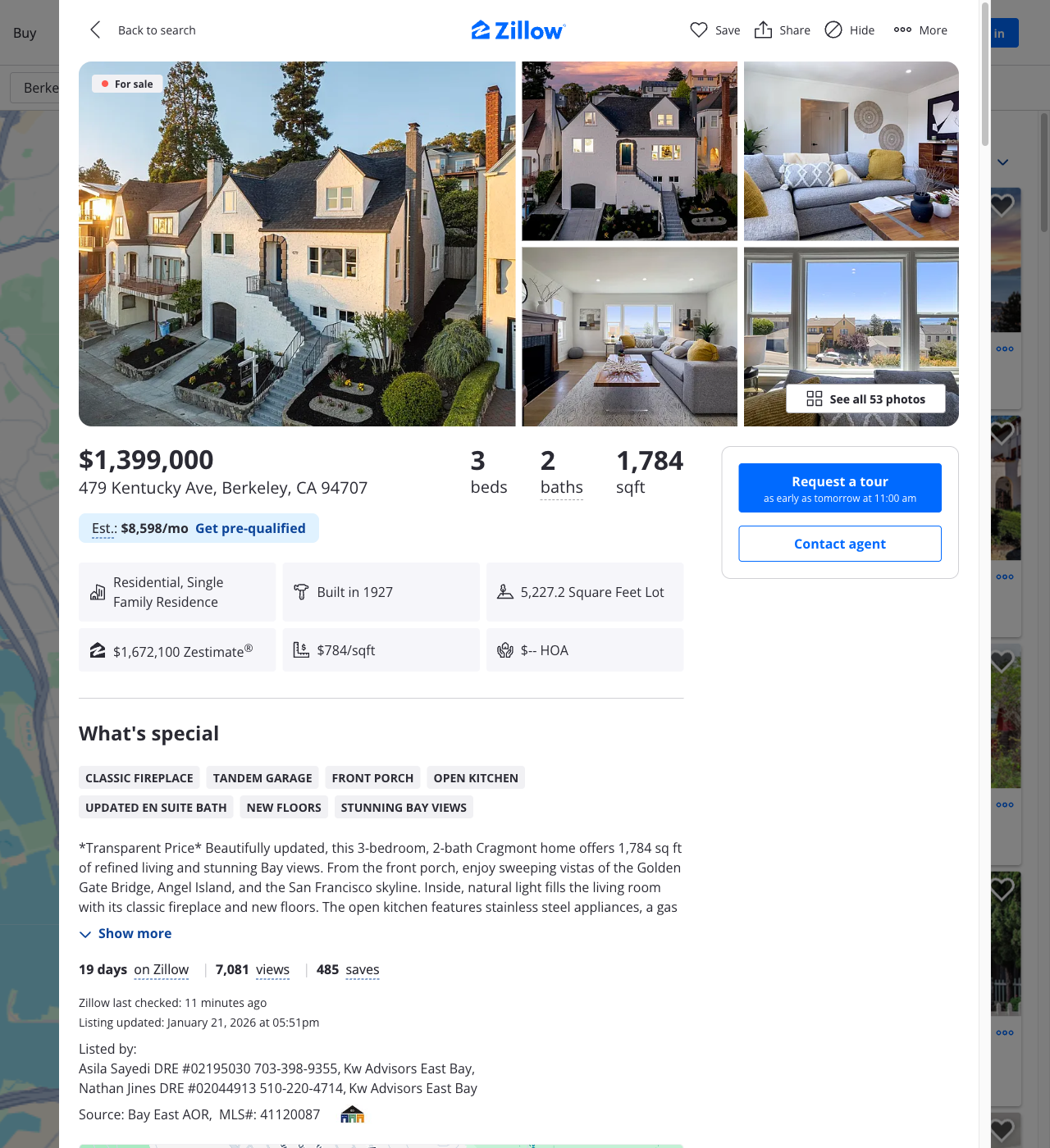
Zillow Real Estate Listing
Before: Original Screenshot
After: Protected with SafeSnap
How SafeSnap Works
See how SafeSnap protects your privacy at every step
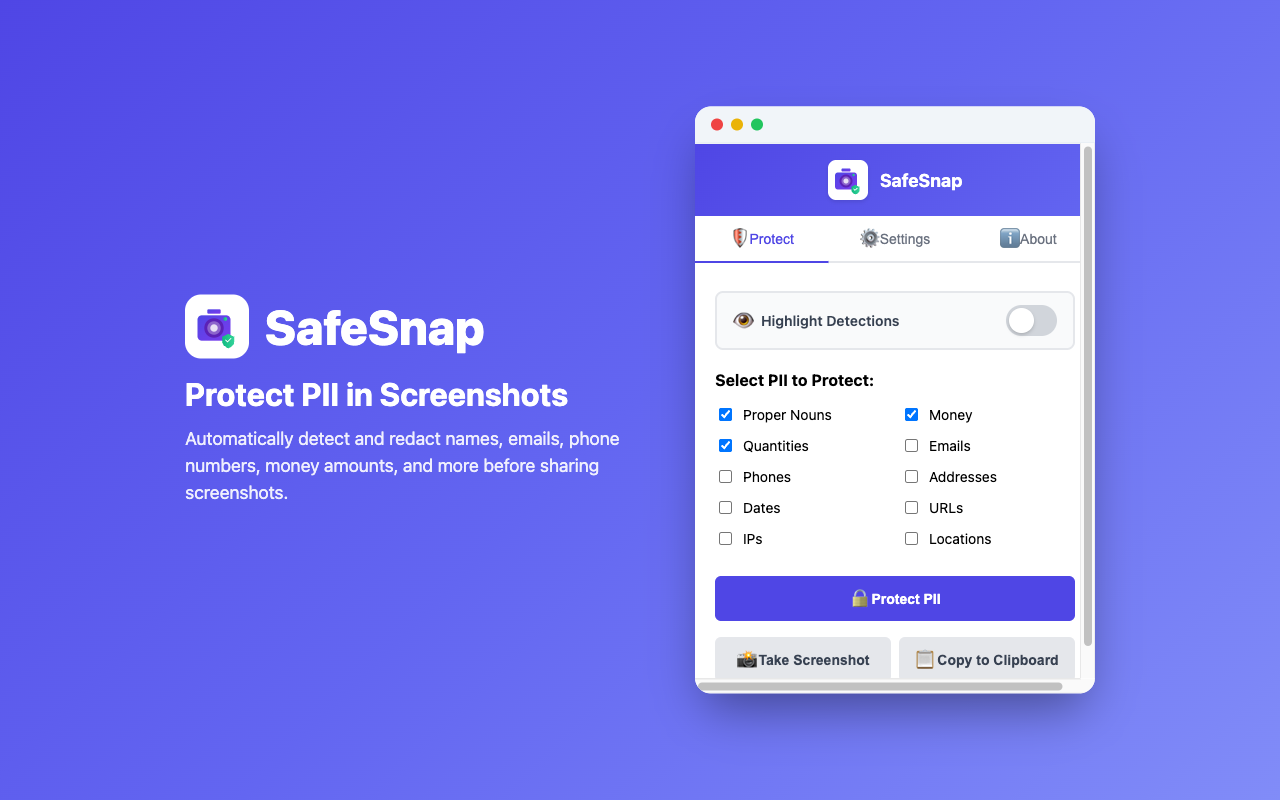
1. Protect PII
Automatically detect and mask personal information with one click
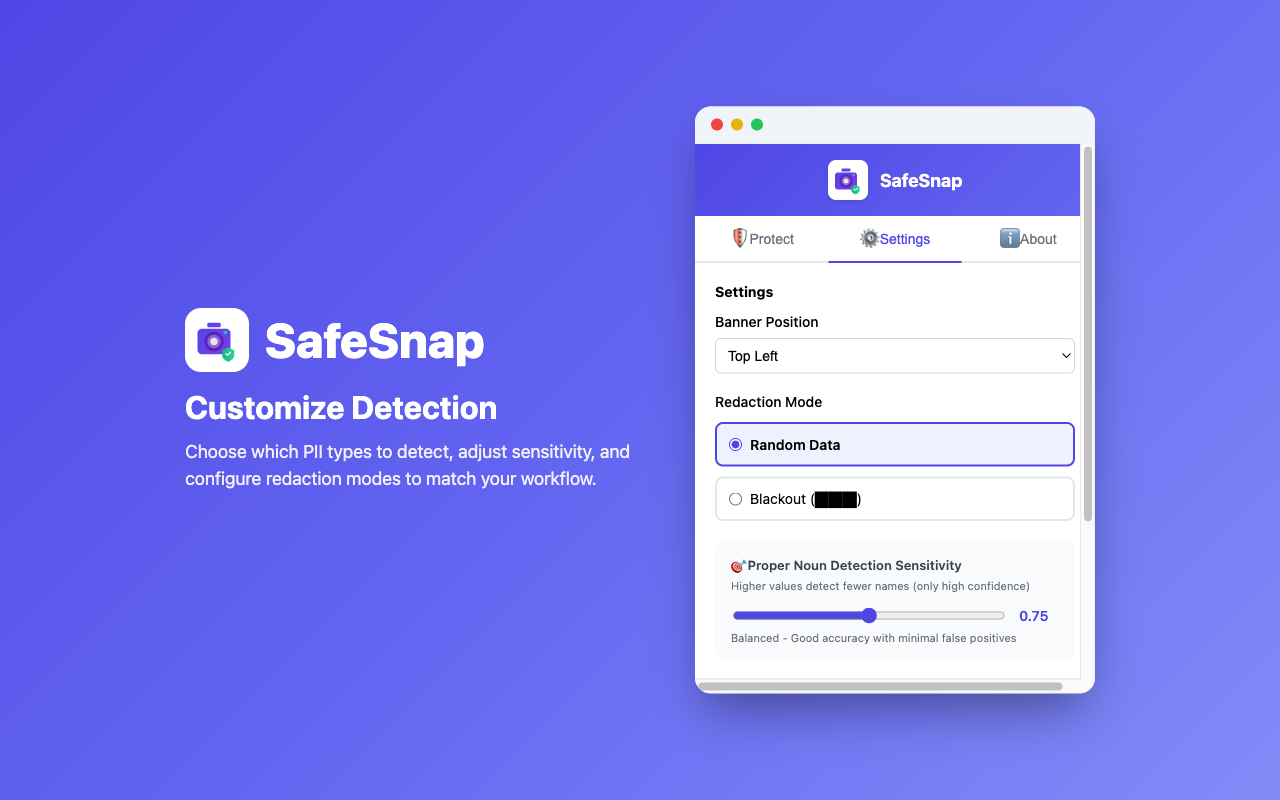
2. Customize Settings
Choose exactly which types of personal information to detect and protect
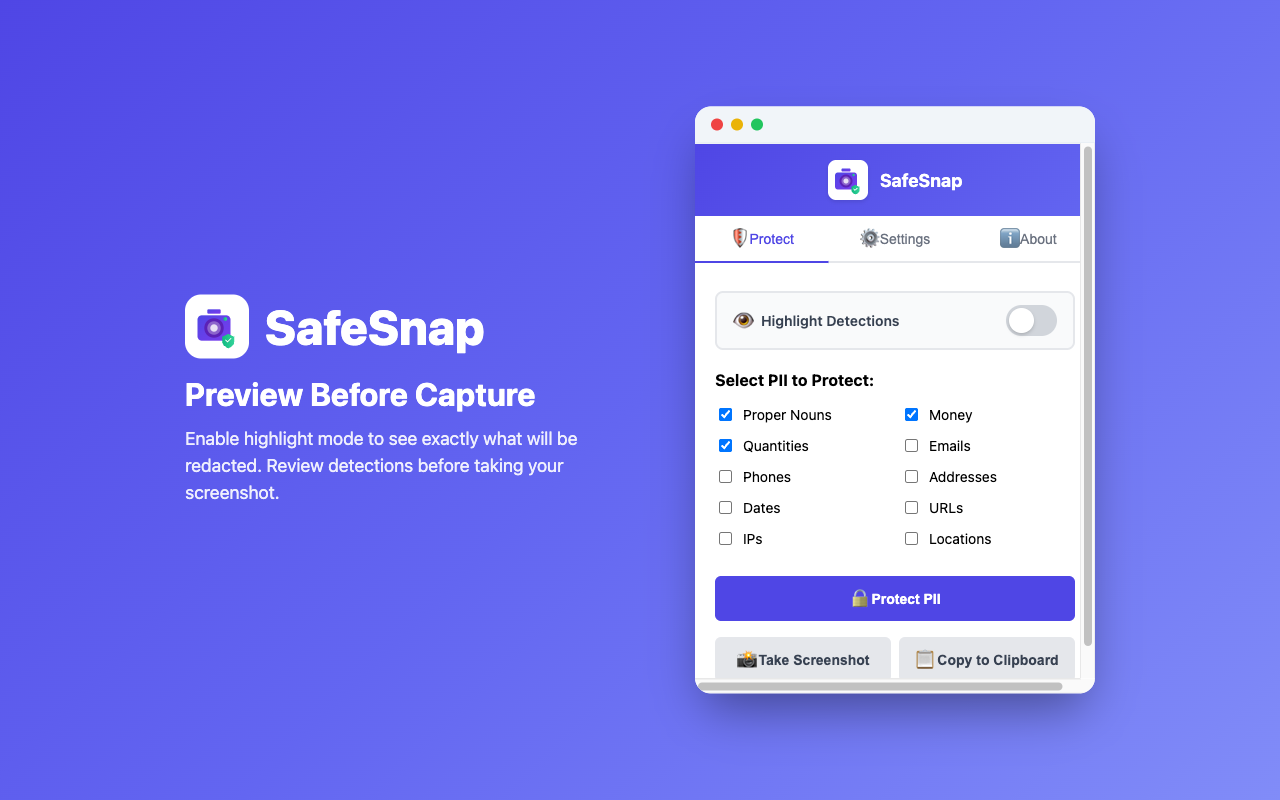
3. Highlight Preview
Preview detected PII with color-coded highlights before protection
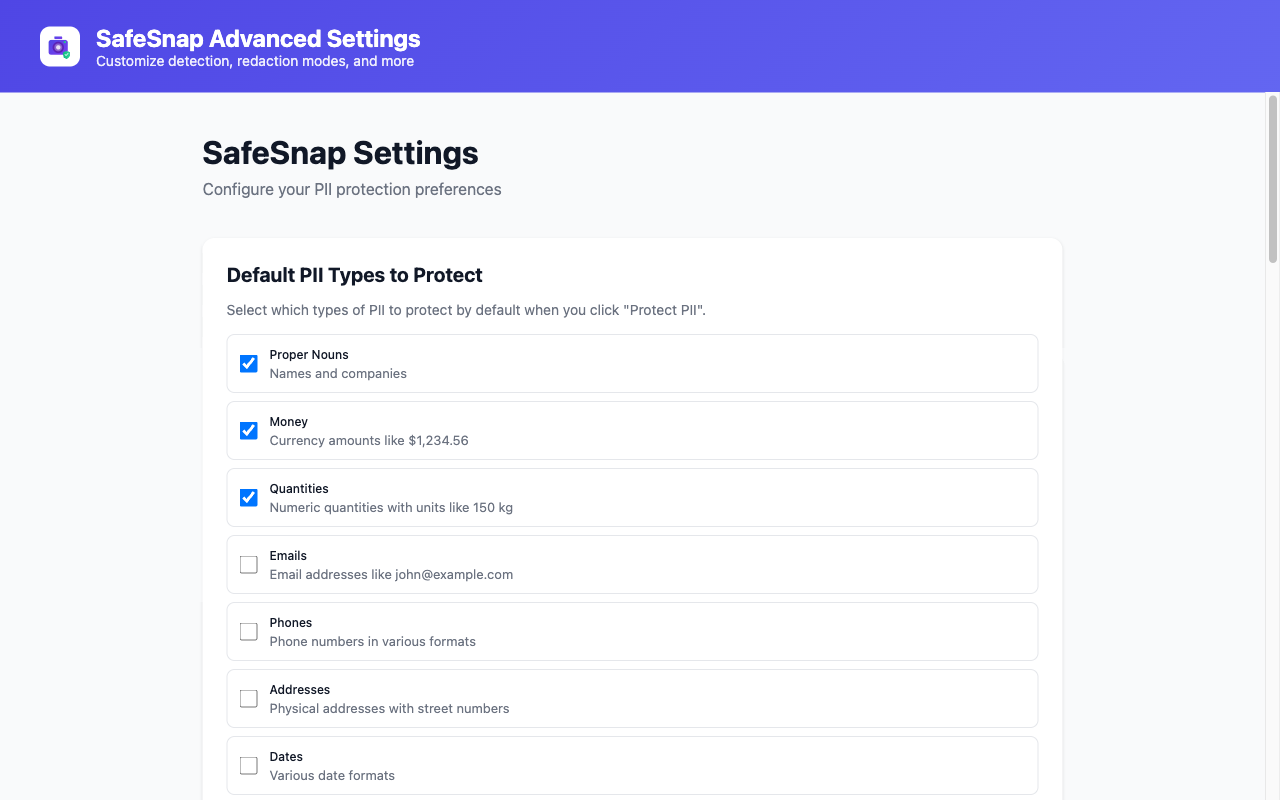
4. Advanced Settings
Fine-tune detection behavior with advanced configuration options
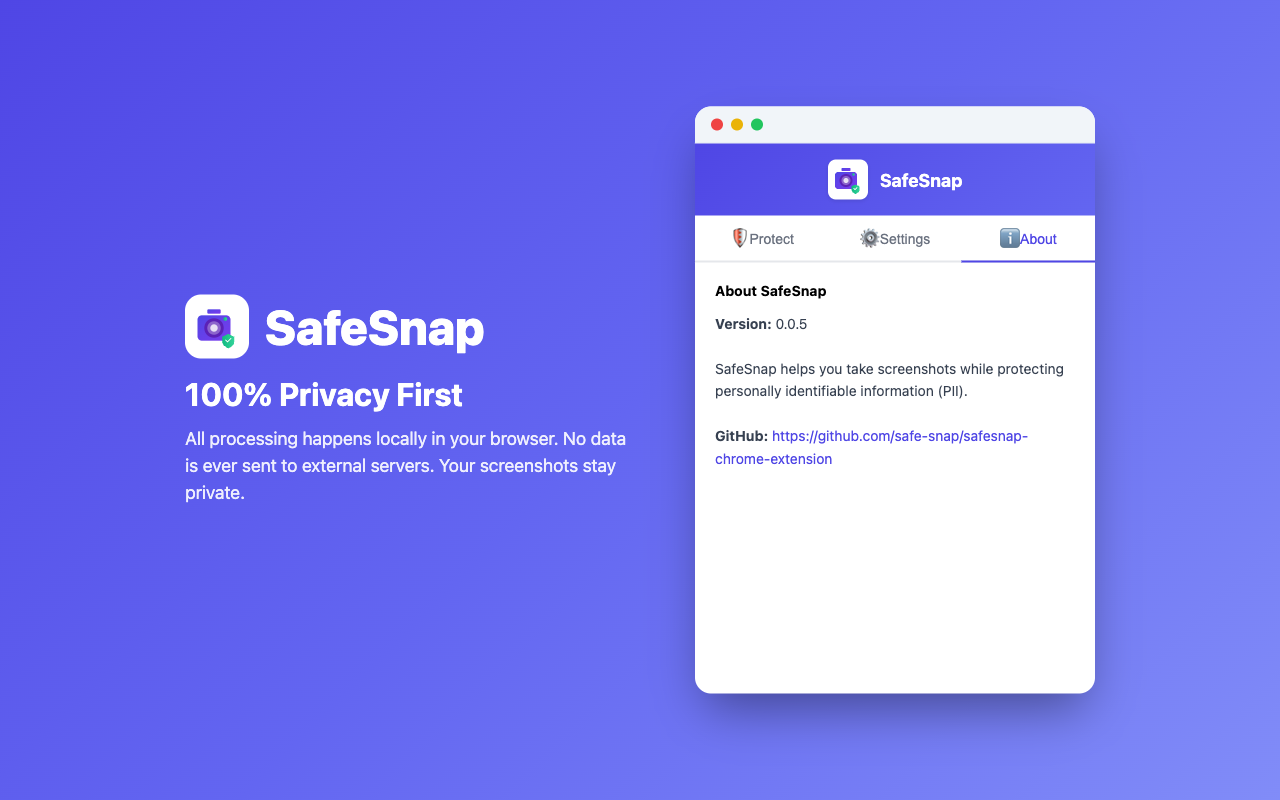
5. Privacy First
100% local processing - your data never leaves your browser
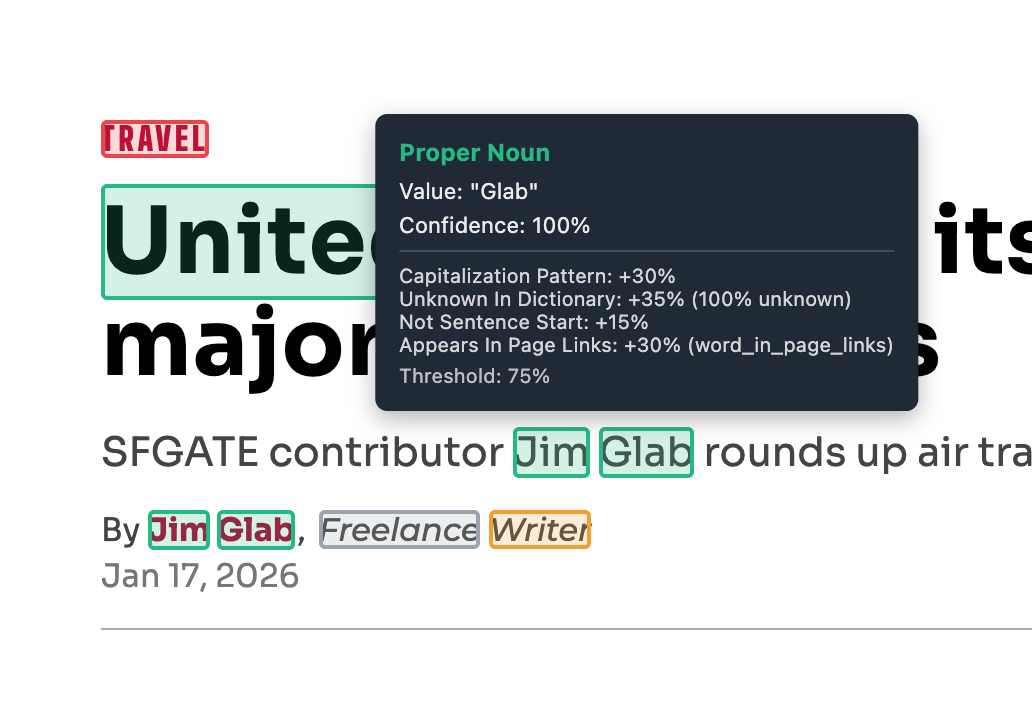
6. Smart Detection
Hover to see detection signals and understand why content was flagged
Simple & Intuitive Interface
A clean, easy-to-use extension popup that puts privacy protection at your fingertips
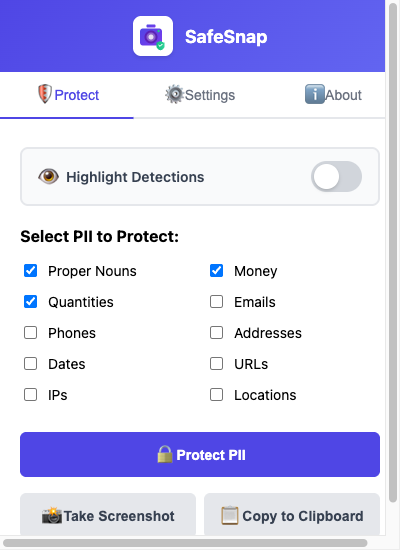
Protect
One-click PII protection with real-time detection stats
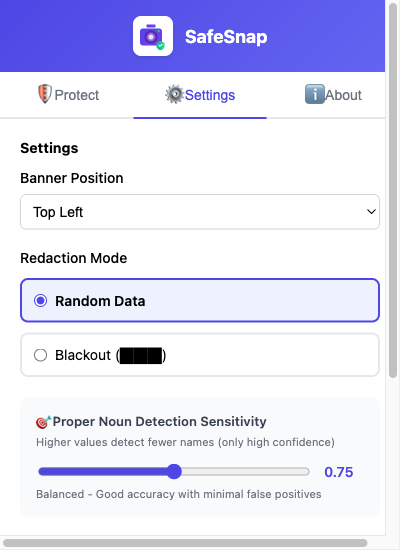
Settings
Customize which PII types to detect and protect
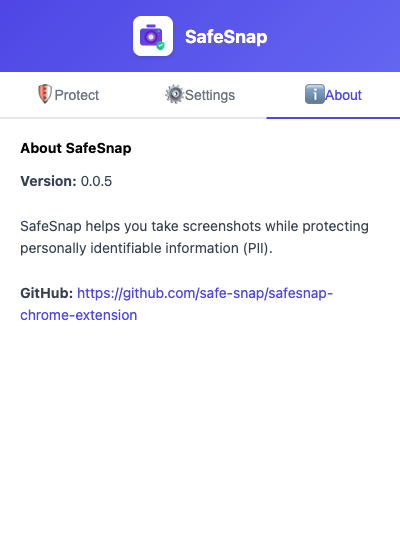
About
Learn more about SafeSnap and access resources
Key Features
Comprehensive Protection
Detects 11+ types of PII: names, addresses, emails, phone numbers, money amounts, dates, and more.
100% Local Processing
All PII detection happens in your browser. No external servers, no data collection.
One-Click Protection
Click the extension, protect PII, and take a screenshot. No complex setup needed.
Smart Consistency
Same input always produces the same replacement within a session.